For print and custom-order shops
Price custom orders with setup counted once, not per piece
Setup and design are paid once per order, blanks and ink per piece. Mixing them up is how custom shops lose money on small runs.
Quick answer: how should print and custom-order shops price a product?
Add every cost, then the fees that take a share of the price, then choose your margin. For custom printed mug that works out at $37.10, leaving $14.84 profit. Skip a cost and the profit shrinks without you noticing.
Check your best seller in two minutes
Take the product you sell most. If its price was set by adding a mark-up to the blank item and you have never counted misprint allowance or rework and reprint allowance, card fees and monthly costs, it may earn less than you think. Some items may even lose money. You will not see it in your till, only in the end-of-month result.
The mark-up trap, worked through
Marking up only the blank item by 40% gives a price of $2.94. After the other costs and the fees taken from that price, the sale loses $16.96, not the $14.84 you planned. The same costs priced properly give $37.10.
Illustration with the example costs below. Your numbers will differ.
Where print and custom-order shops usually lose money
Setup on small runs
Use the per-order basis for setup so a run of 5 carries it differently from a run of 500.
Misprints
Add a misprint allowance so ruined pieces are paid for.
Quantity breaks
The bulk table shows revenue, cost and profit at 10, 100 or any quantity.
Example: Custom printed mug
These costs go in. The price comes out of the same engine the app uses.
- Blank item$2.10
- Ink or material$0.60
- Setup and design (per order)$12.00
- Shipping (per order)$5.00
- Card terminal fee2.9% of price
- Misprint allowance4% of price
- Profit you want40% margin
Sell it for
$37.10
Profit per sale $14.84 on a total cost of $22.26.
What print and custom-order shops see in the app
Real screens. Your own costs and products go in, the same kind of answers come out.
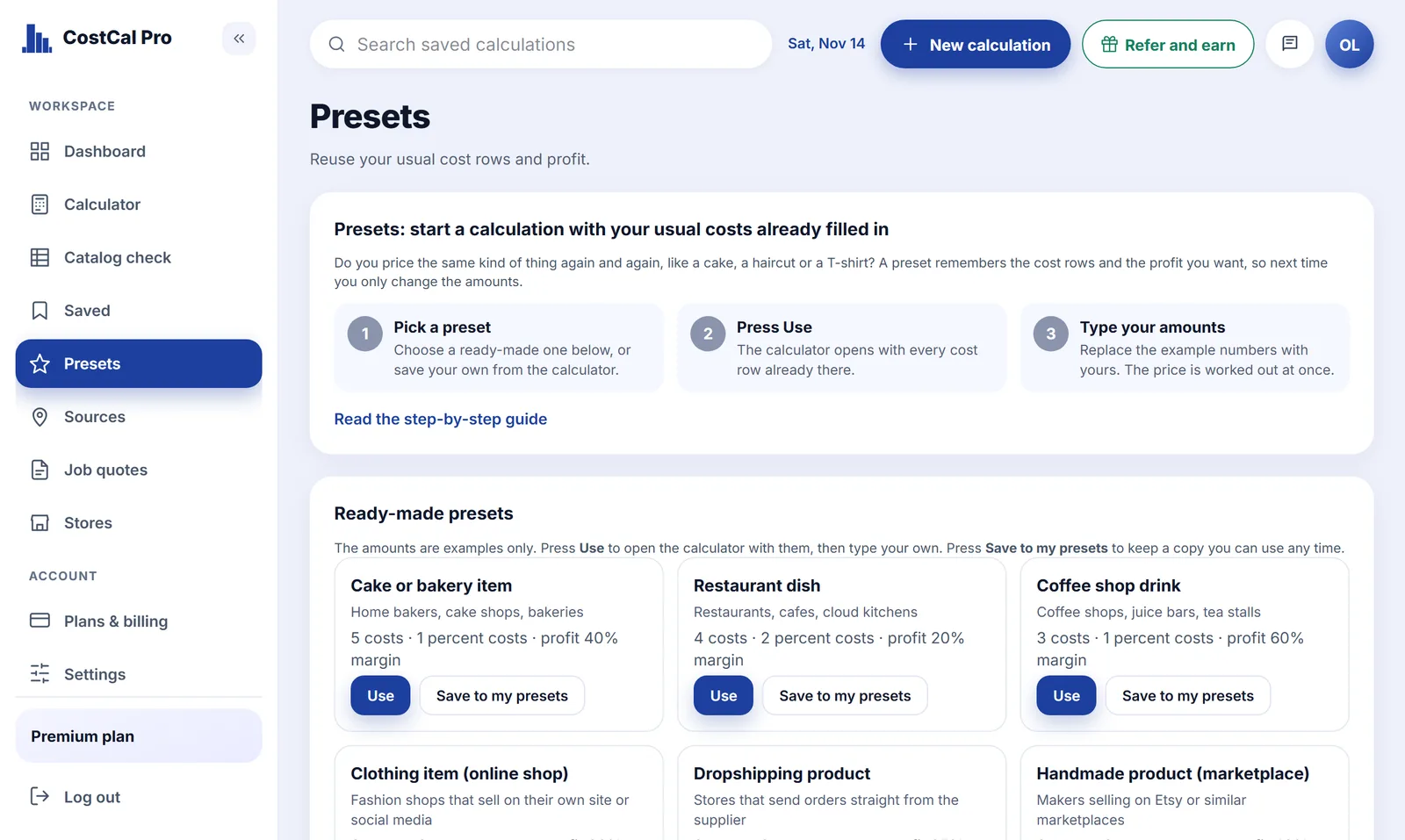
A ready cost list
Pick print and custom-order shops and the usual cost lines appear. You fill in the amounts.
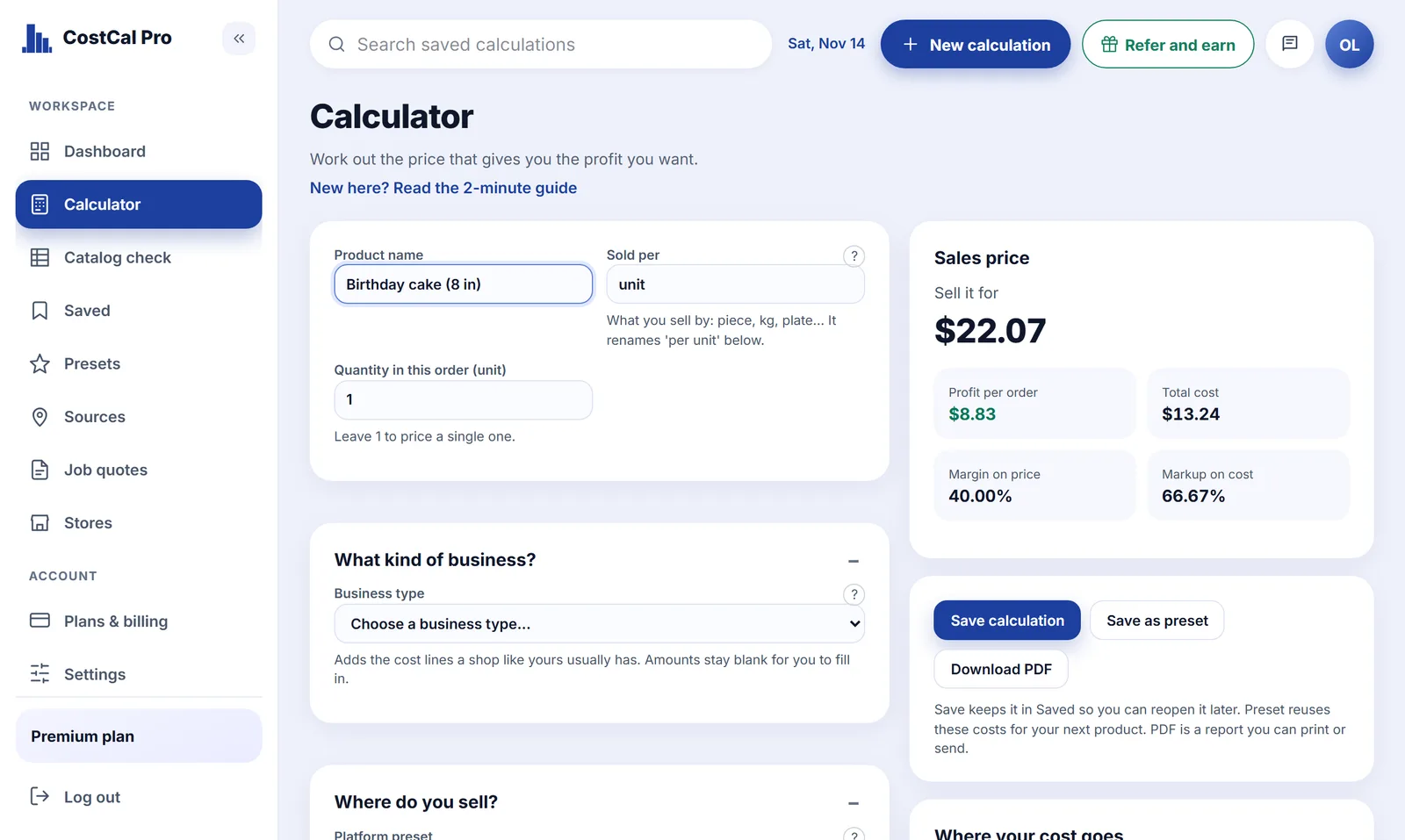
The exact price
Fees that depend on the price are solved exactly, so the profit you ask for is the profit you get.
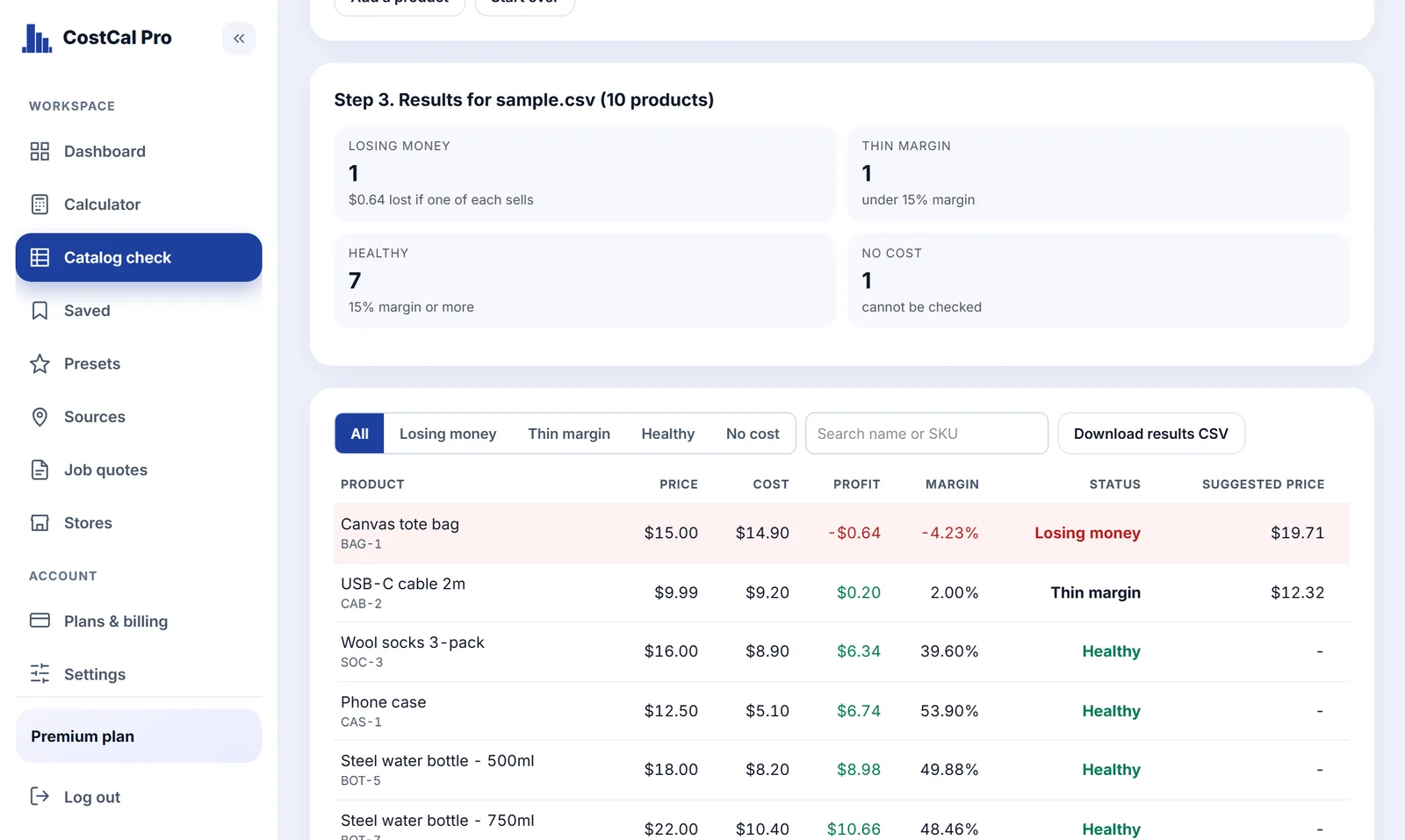
Products that lose money
Check a whole price list at once and see which items run thin or below cost.
Already set up for print and custom-order shops
Choose this business type in the calculator and these cost lines appear. You only fill in the amounts.
- Blank item
- Ink or material
- Setup and design
- Shipping
- Proof and mock-up
- Machine wear and maintenance
- Card terminal fee
- Misprint allowance
- Rework and reprint allowance
- Machine lease (monthly)
- Software (monthly)
- Studio rent (monthly)
- Consumables stock (monthly)
- Maintenance contract (monthly)
What print and custom-order shops get with CostCal Pro
The pricing maths is free. Paid plans add bulk tools and store connections.
Exact selling price
FreeEnter the blank item, other costs and fees, choose a margin, and get the price that keeps it.
Catalog check
FreeUpload a product export and see which products lose money or run on a thin margin.
Discount simulator
FreeSee the largest discount that still leaves a profit before you run a sale.
Break-even
FreeAdd monthly costs and see how many sales cover them.
Branded PDF report
FreeSend a clear cost and price breakdown to a customer or partner.
CSV import and typical costs
StarterBring in many products at once and start from ready cost templates.
Store connection
StarterLink calculations to products in your online store by SKU.
Weekly below-cost email
PremiumGet an email when a store product is selling below cost.
Apply prices to your store
PremiumPush approved prices to a connected WooCommerce store.
See plans and prices, all features or a sample report.
Questions print and custom-order shops ask about pricing
How do I price custom printed mug?
Add every cost (blank item, ink or material, setup and design, shipping, card terminal fee, misprint allowance), then choose the profit margin you want. With these example costs and a 40% margin, custom printed mug should sell for $37.10, which leaves $14.84 profit on a total cost of $22.26. Your own costs will differ, so enter yours in the calculator.
What is the formula for a selling price that keeps your margin?
Price = fixed costs divided by (1 minus the percentage fees minus your margin). Here the fixed costs are $19.70, the percentage fees are 6.9% of the price and the margin is 40%. Percentage fees must be taken from the selling price, not from the cost, which is why a simple mark-up on cost usually leaves less profit than planned.
What costs do print and custom-order shops often forget?
The easiest to miss are misprint allowance, rework and reprint allowance, your own time, and monthly costs such as machine lease, software, studio rent. Each one is a row in the Print / custom orders preset, so you only fill in the amounts.
How do I know if a product is losing money?
Compare the selling price with the total cost, including the share of the price taken by fees. If the price is lower than that total, the product loses money. Catalog check does this for a whole product export and marks every item that loses money or has a thin margin.
How do I quote different quantities?
Change the order quantity, or read the bulk table for several quantities at once.
Can I send a customer a report?
Download the pricing report as a PDF.
Is the CostCal Pro calculator free for print and custom-order shops?
Yes. The Free plan never expires and needs no card. It includes the exact price calculation, 5 saved calculations, 5 PDF reports and a catalog check of up to 50 products. Paid plans start at $49 a year and add more saved calculations, CSV import, store connection and API keys.
Last reviewed 2026-11-11. Example figures are illustrations, not advice.
More in gifts, hobbies and making: