Help centre / Calculator
Presets: reuse your usual costs and profit
Start a calculation with your usual cost rows already filled in. Pick a ready-made preset, press Use, and type your amounts.
Last reviewed 2026-11-13
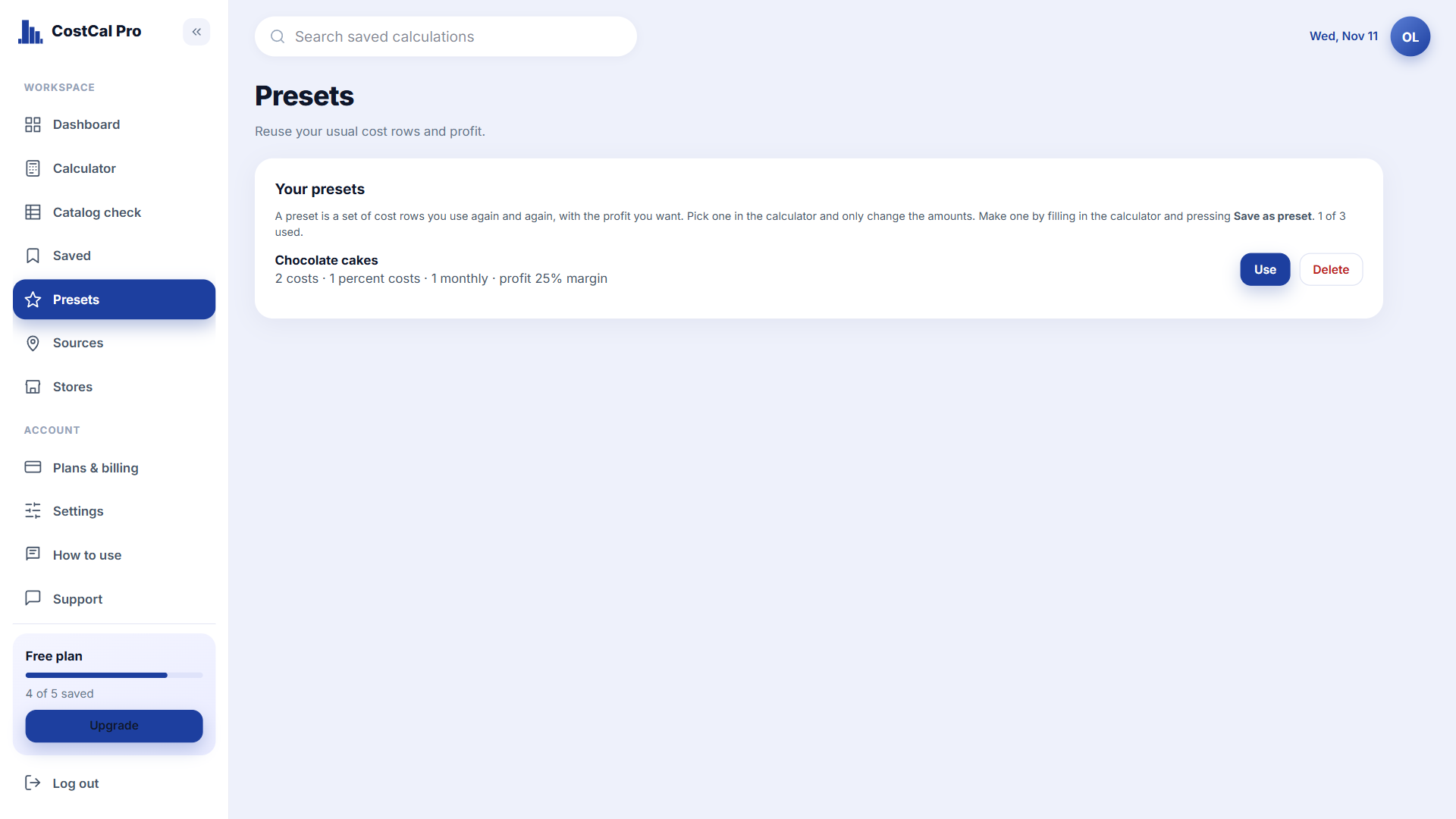
A preset is a saved set of cost rows, percent costs, monthly costs and the profit you want. Price the same kind of thing again and again, like a cake, a haircut or a T-shirt? Use a preset and you only change the amounts.
Presets in one minute
Short video, coming soon. The steps above show the same thing.
Use a ready-made preset
- 1Open Presets in the left menu.
- 2Find your kind of business in Ready-made presets, such as Cake or bakery item or Clothing item.
- 3Press Use. The calculator opens with every cost row already there.
- 4Replace the example amounts with yours. The selling price updates as you type.
- 5Press Save to keep the calculation.
Tip. The amounts in ready-made presets are only examples. Always type your own costs.
Make your own preset
- 1Fill in the Calculator the way you usually price a product.
- 2Press Save as preset and give it a name, for example Chocolate cakes.
- 3It now shows under Your presets. Next time press Use.
Manage your presets
- Clone makes a copy you can change. Turn off hides a preset from the calculator without deleting it.
- Export to file and Import from file move your presets between accounts or keep a backup.
- A preset never changes calculations you already saved.
Watch out. Free keeps 3 presets and Starter 20. Premium and above are unlimited.
Next
Buying from another country? Add a Source so currency and freight are handled for you.